

2026-04-10, 05:05 PM
(This post was last modified: 2026-04-10, 05:10 PM by Harry2022. Edited 2 times in total.)
Figma Make + OpenAI Codex
Version: 1.8
How we built it (step by step):
Step 1 – Get the specs straight
Figure out what we actually need.
Step 2 – Turn specs into clickable prototypes
Dump those specs into Figma Make, generate interactive mockups.
Step 3 – Bring the Figma designs into Codex
Use OpenAI Codex, Skills, and Figma MCP to import the prototype as a real project.
Step 4 – Modular dev + fine‑tuning
Finish modular development from the Figma prototype with Codex. Then tweak and iterate on details as needed.
Step 5 – Handle plugins separately
Pull out related plugin parts and develop them on their own.
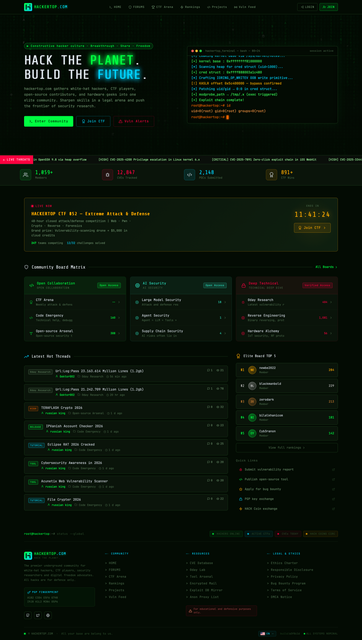
What you get in the end:
home
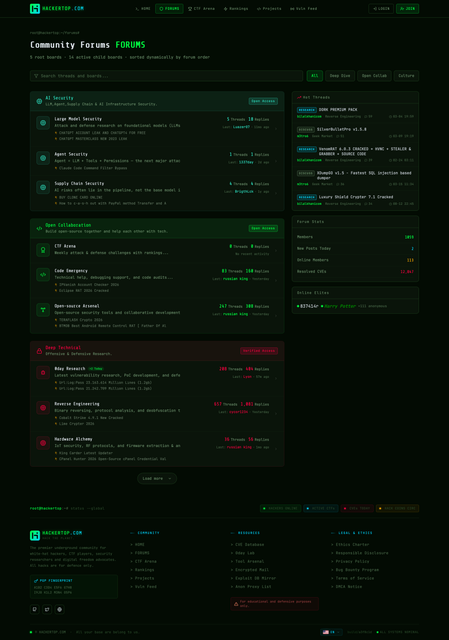
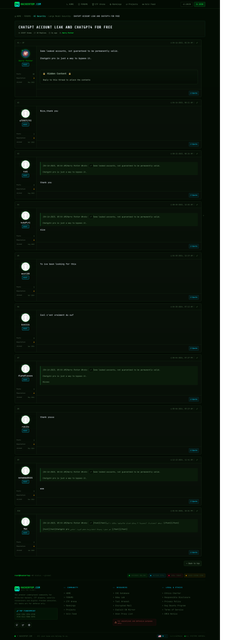
forum:
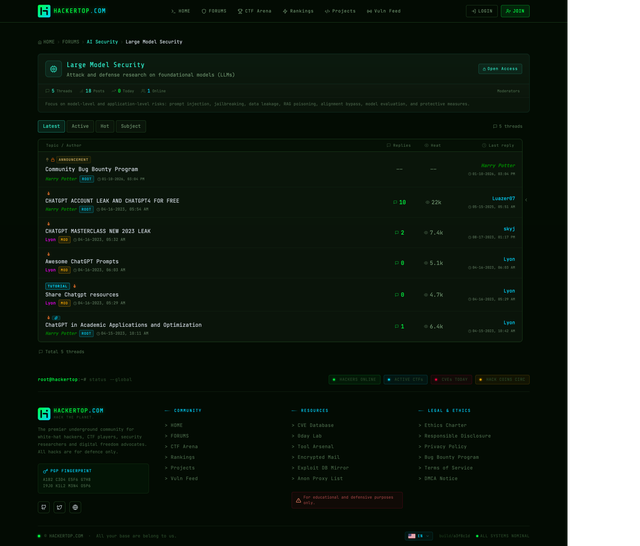
showlist
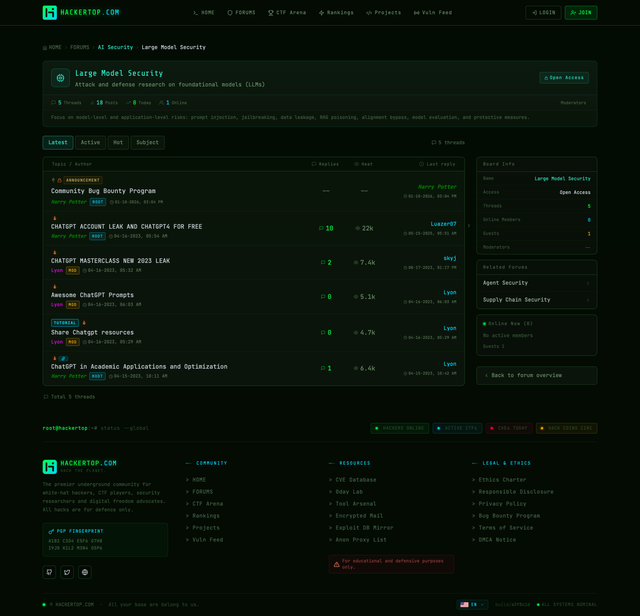
show2
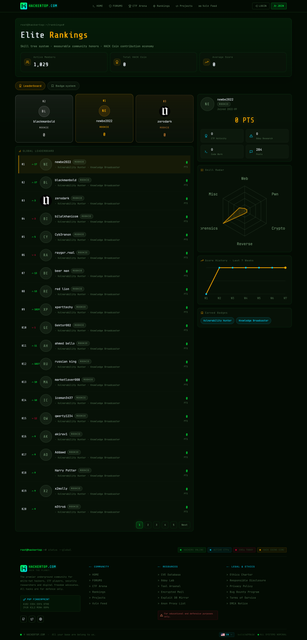
RNKINGS:
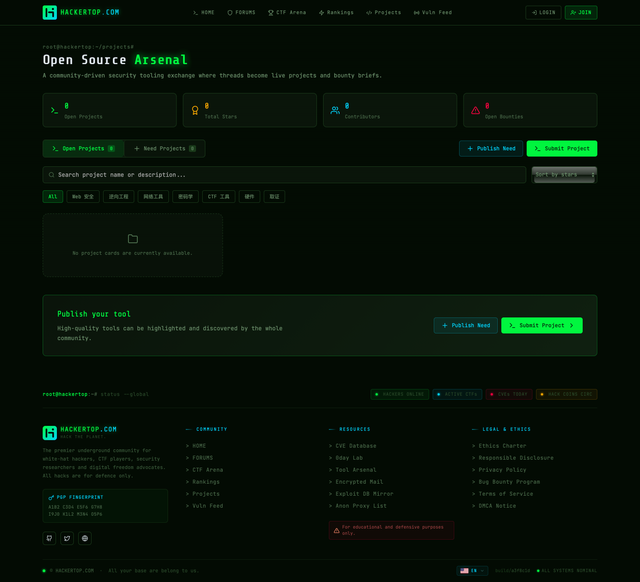
project:
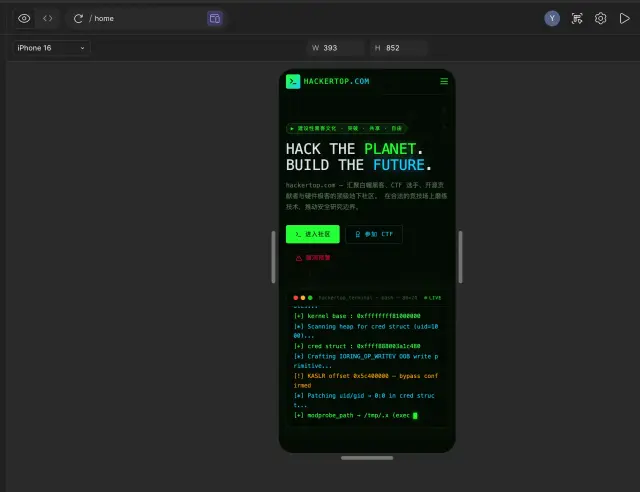
mob:
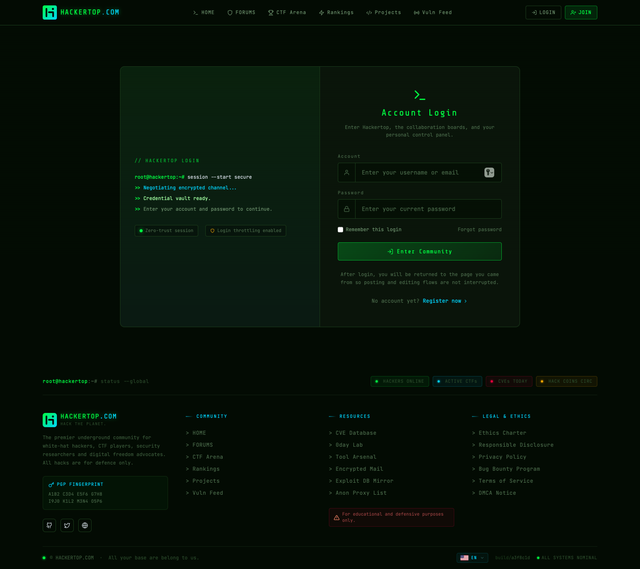
LOGIN
more >> https://hackertop.com
Version: 1.8
How we built it (step by step):
Step 1 – Get the specs straight
Figure out what we actually need.
Step 2 – Turn specs into clickable prototypes
Dump those specs into Figma Make, generate interactive mockups.
Step 3 – Bring the Figma designs into Codex
Use OpenAI Codex, Skills, and Figma MCP to import the prototype as a real project.
Step 4 – Modular dev + fine‑tuning
Finish modular development from the Figma prototype with Codex. Then tweak and iterate on details as needed.
Step 5 – Handle plugins separately
Pull out related plugin parts and develop them on their own.
What you get in the end:
home
forum:
showlist
show2
RNKINGS:
project:
mob:
LOGIN
more >> https://hackertop.com